The connected system for contractors.
One company builds the website, connects the tools you already pay for, installs the hardware, and answers the phone when something breaks.
- ✕Quotes handled by phone tag — the fastest bid wins, and it isn't yours.
- ✕No easy way to show past work, so you compete on price alone.
- ✕Leads come in and vanish; nothing follows up while you're on a roof.
Quote funnel
Photo-based quote requests routed to your phone in seconds, not days.
Proof gallery
Real, organized job photos that justify your price before you quote.
Follow-up automation
Automatic reminders and review requests so no lead ever goes cold.
A contractor website should qualify the job before the drive.
Coastal Crest Landscaping in Georgetown turns a broad service list into a guided buying path. Visitors can inspect five matched before-and-after transformations and explore a real property plan. Their project choices carry into a four-step quote request with town, timing, budget, notes, and an optional photo. The crew opens each request with the property and project context attached.
The same build checks eleven named service towns across Sussex and Kent Counties before presenting the next step. That matters when an estimate requires travel, equipment, and crew time. Clear coverage, real project evidence, and structured intake help a buyer understand fit before the phone tag begins. Addresses outside the known map go to a manual coverage review.
Contractor website questions
Can a quote form collect photos and project details?
Yes. Coastal Crest uses multipart intake with an optional image, service choices, property town, timing, budget, contact preference, and notes. The exact fields should match what your estimator needs before deciding whether a visit is useful.
How should a contractor show a service area?
Use named towns or a clear county boundary backed by the work the company actually accepts. A checker can return a confirmed match and route uncertain addresses to the team for review.
Do before-and-after galleries help with quoting?
They can when the views are matched and tied to real service categories. Coastal Crest pairs five transformations with a guided design and property-plan choices, so the gallery helps a buyer describe the work rather than serving as decoration.
Can the site follow up after a quote request?
Yes, if the receiving system and consent allow it. The form can route a structured record, confirm receipt, create a reminder, and preserve the original project context. Sensitive or uncertain requests can remain manual.
One problem is never one problem.
You don't have a website problem or a software problem. You have a system problem — the pieces don't talk. Here's the whole chain, and why each link makes the next one stronger.
The one address you own outright — fast, findable, built to convert.
- What it is
- A site engineered from the ground up: sub-second loads, real structure, and every page pointed at a clear next step.
- Who needs it
- Anyone whose current site is a slow brochure, or lives on a platform they rent.
- Engagement
- Fixed-scope build over 3–6 weeks, then handed off or kept on a light retainer.
A visit is wasted if it can't turn into a booking on the spot.
- WebsiteGrowth Layer
The one address you own outright — fast, findable, built to convert.
- What it is
- A site engineered from the ground up: sub-second loads, real structure, and every page pointed at a clear next step.
- Who needs it
- Anyone whose current site is a slow brochure, or lives on a platform they rent.
- Engagement
- Fixed-scope build over 3–6 weeks, then handed off or kept on a light retainer.
How it connectsA visit is wasted if it can't turn into a booking on the spot.
- SchedulingOperations Layer
Let customers book, reschedule, and pay without a single phone call.
- What it is
- Real-time booking wired into the calendar and tools you already use — not a form that just emails you.
- Who needs it
- Clinics, service businesses, and anyone losing after-hours leads to voicemail.
- Engagement
- We consult on and integrate your scheduler — we don't reinvent it or sell our own.
How it connectsA booking isn't revenue until the register agrees it happened.
- Point of SalePhysical Layer
The register as a source of truth, not a silo.
- What it is
- The right POS chosen and integrated so sales data flows everywhere it's actually useful.
- Who needs it
- Restaurants, retail, and venues running card, redemption, or food on separate systems.
- Engagement
- We consult on the right platform and connect it — no proprietary hardware pushed by us.
How it connectsYour menu board should already know what the POS knows.
- Digital SignagePhysical Layer
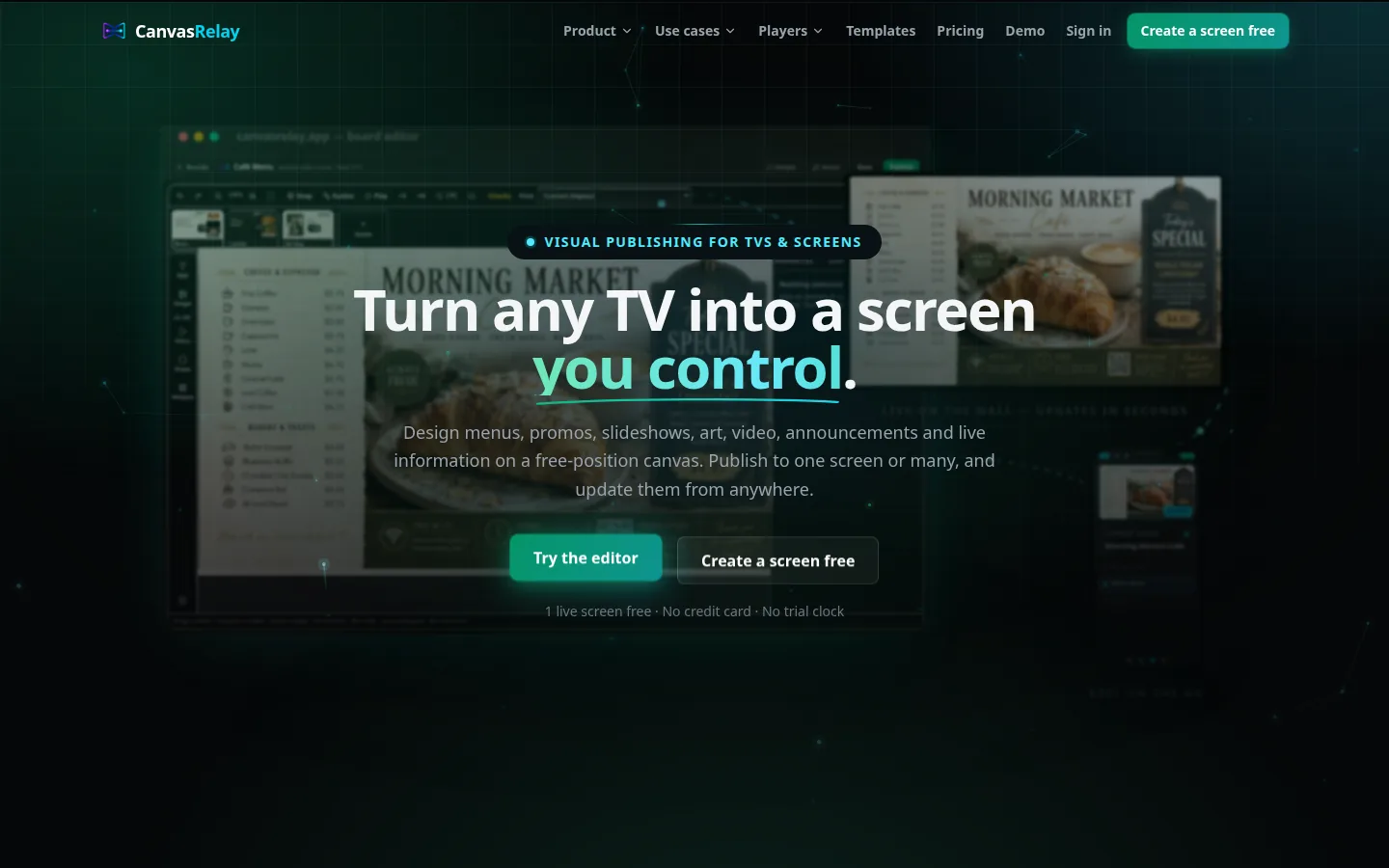
CanvasRelay — the signage platform this studio built and runs — puts any design on any TV.
- What it is
- A live, self-serve product at canvasrelay.app for designing, publishing, scheduling, and managing screens across web, Roku, and Android players.
- Who needs it
- Restaurants, retail, venues, and offices — self-serve through CanvasRelay, or local with Studio Sussex handling design, hardware, installation, and support.
- Engagement
- A player and content system we build; you run every screen from one place.
How it connectsChange a price once and every screen and channel should update itself.
- AutomationSoftware Layer
The follow-ups, reminders, and busywork that should never touch a human.
- What it is
- Event-driven workflows that move data and send the right message at the right moment.
- Who needs it
- Contractors chasing leads, clinics sending reminders, anyone re-typing data between apps.
- Engagement
- Mapped to your real process, built incrementally, measured in hours returned.
How it connectsWork that runs on its own still has to be watched — quietly.
- DashboardsOperations Layer
One honest screen for the numbers that actually run the business.
- What it is
- Live reporting that pulls from POS, site, and tools into the metrics you'll genuinely check.
- Who needs it
- Owners flying blind across three logins and a spreadsheet.
- Engagement
- Built on your real data sources, starting with the five numbers that matter most.
How it connectsA number is only as honest as the hardware that measured it.
- HardwarePhysical Layer
The screens, readers, and devices that make software physical.
- What it is
- Spec, source, and integrate proven hardware — kiosks, displays, readers — with your systems.
- Who needs it
- Venues and shops where the software has to leave the browser and live in the room.
- Engagement
- Consult-and-integrate: we pick hardware that lasts and never lock you in.
How it connectsOff-the-shelf ends exactly where your business gets interesting.
- Custom SoftwareSoftware Layer
When the tool you need doesn't exist yet, I build it.
- What it is
- Bespoke applications for the workflow that's uniquely yours — the part no SaaS ever covers.
- Who needs it
- Businesses whose real edge is a process they're still forced to run by hand.
- Engagement
- Scoped discovery first, then a real application — owned outright by you.
How it connectsThe software people touch is your brand, whether you designed it or not.
- BrandGrowth Layer
The identity that makes all of it feel like one deliberate company.
- What it is
- Name, mark, voice, and system — so every screen and sign reads as unmistakably yours.
- Who needs it
- Anyone whose touchpoints look like they came from five different vendors.
- Engagement
- An identity system and guidelines, applied across every system above.
How it connectsA brand they trust sends the next customer straight back to the top.
Real work. Live links.
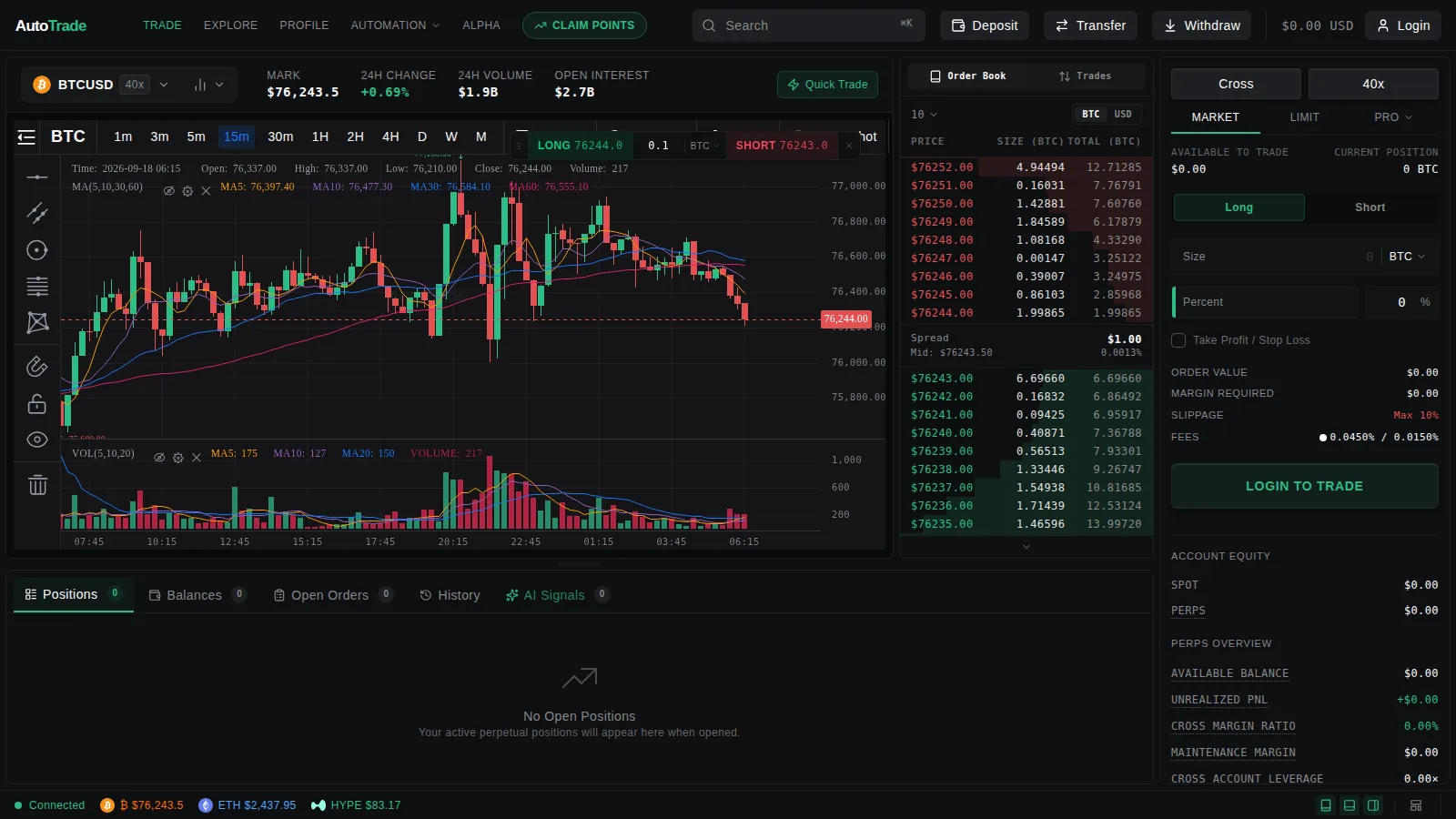
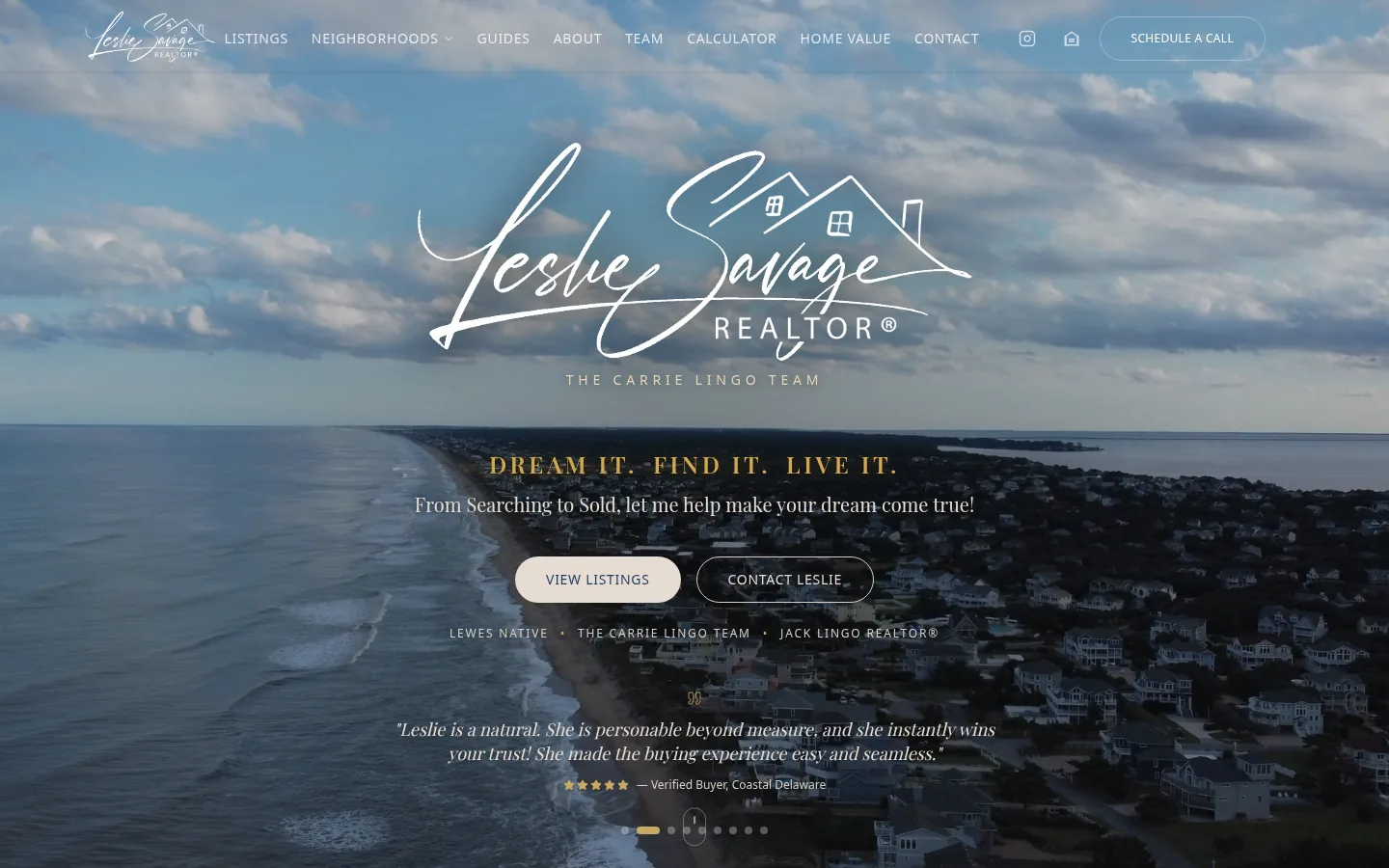
Shipped websites, real-estate platforms, and three SaaS products — each case study opens the hood on the problem, the trade-offs, and the systems that connect it all. Every live one links out.
Start with the problem that's loudest.
Tell me what's breaking and I'll show you the system that fixes it.