The same record is typed into several tools
Names, dates, amounts, inventory, or job details move from a website to email to a spreadsheet to a vendor system. Every re-entry adds time and another chance for two versions of the truth.
Most automation opportunities are not dramatic. A form arrives and someone copies it into a spreadsheet. A payment changes but the customer status does not. Staff send the same reminder from memory, download a report to rebuild it in another file, or discover a failed handoff days later. Each step is small; together they consume the calm part of the week and become dangerous during the rush.
Good automation keeps the people and removes the repeatable transfer. It connects an event to a clear action, records what happened, and makes exceptions visible. The work may use APIs, webhooks, scheduled jobs, email, exports, or a small internal screen. It should not create a hidden chain nobody can explain when one vendor changes a field.
Names, dates, amounts, inventory, or job details move from a website to email to a spreadsheet to a vendor system. Every re-entry adds time and another chance for two versions of the truth.
Quotes, deposits, appointments, reviews, and renewals all need a next action. When reminders live in one person’s head, busy periods create silence exactly when the customer expects a response.
Managers export several files, adjust columns, and rebuild the same weekly view. By the time the numbers are ready, staffing, purchasing, or sales decisions have already been made from instinct.
A webhook stops, a token expires, an import format changes, or a message bounces. Without monitoring and a retry path, the missing work is invisible until a person notices the customer or record never arrived.
Every trigger, handoff, owner, delay, approval, and failure path documented in plain language before a tool is chosen. The map shows where human judgment must stay.
APIs, webhooks, exports, rate limits, field ownership, authentication, and vendor terms checked so the plan reflects what each system truly permits.
Validated payloads, duplicate protection, clear identifiers, retries, and audit records keep a repeated event from becoming duplicate work or a silent omission.
Payments, sensitive messages, destructive changes, and ambiguous records can stop for review. Automation handles repetition without pretending every business decision is a rule.
Health checks and useful failure messages tell the right person what stopped, which records were affected, and what can be retried. A quiet failure is treated as an unfinished feature.
The final handoff names accounts, schedules, data paths, alert destinations, manual recovery steps, and how to disable the workflow safely. The client keeps access to every moving part.
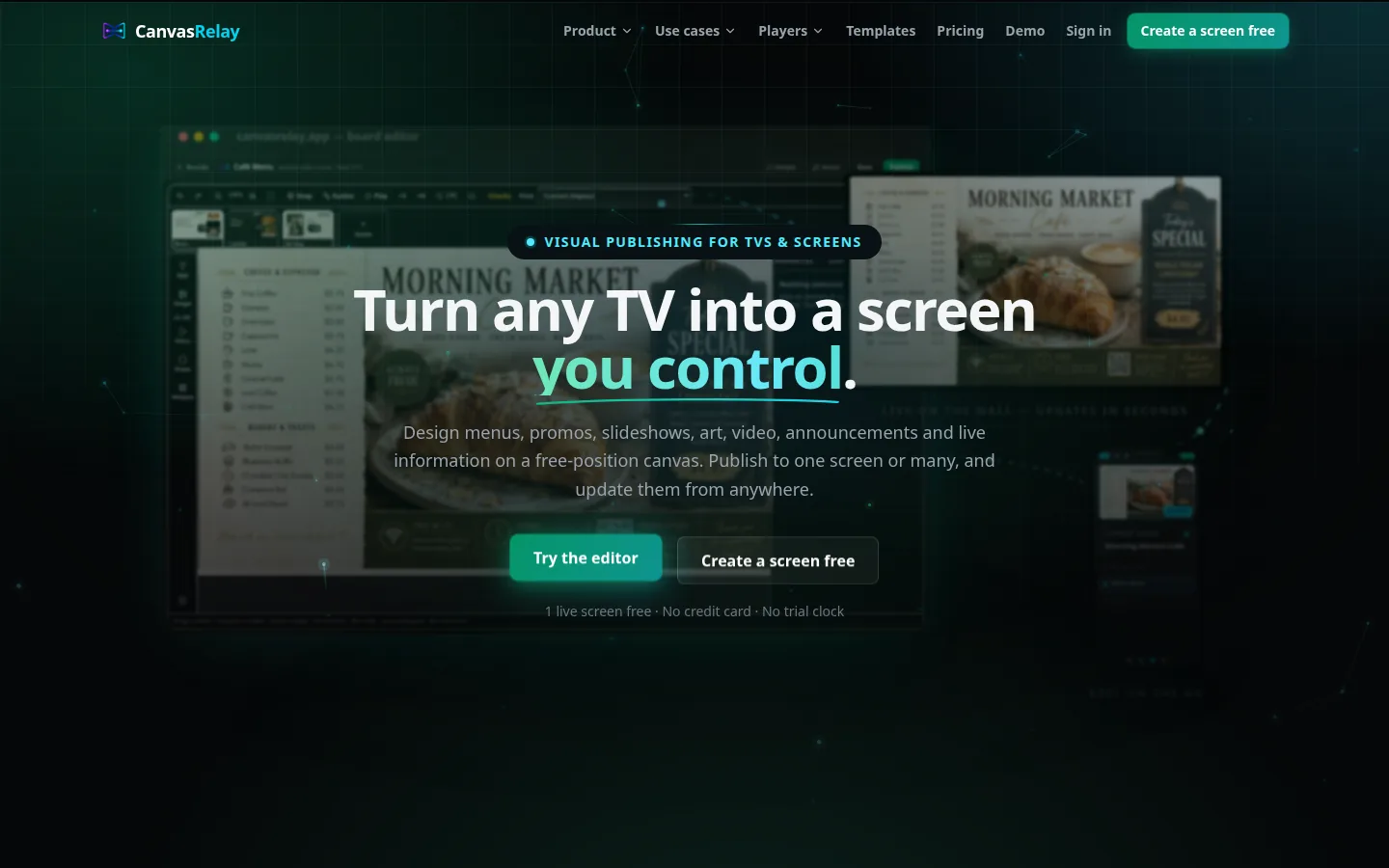
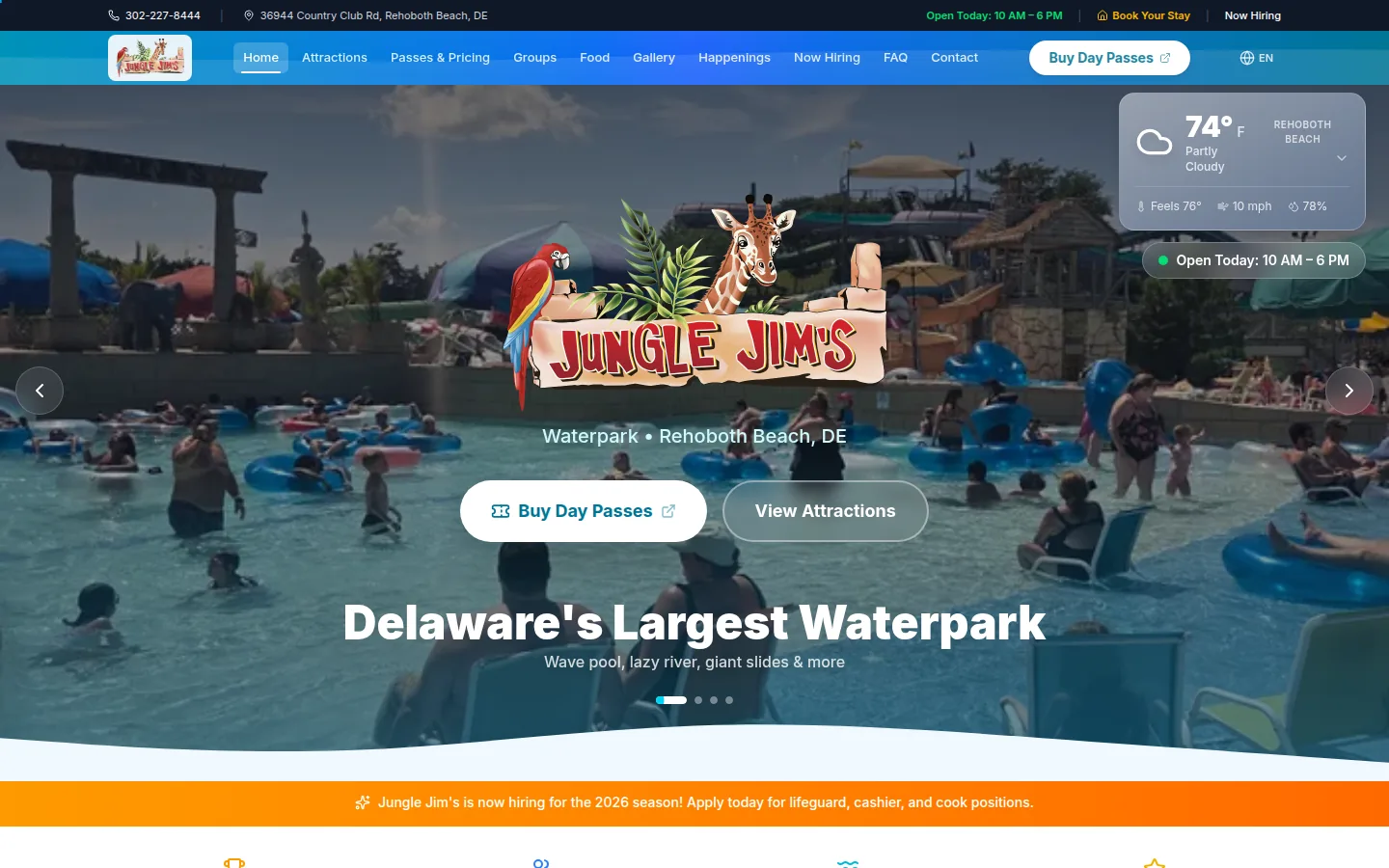
CanvasRelay schedules releases, refreshes widgets, tracks players, and coordinates screen state. PipelineSSE ingests several sources, stores structured history, streams updates, and runs watchdogs. The market-analysis pipelines normalize exchange data, apply deterministic calculations, prevent duplicate delivery, and report downstream. Jungle Jim’s joins availability, approvals, schedules, menu records, and publishing.
Delaware businesses often run lean across several systems. A Sussex County hospitality team changes pace with the summer, a Kent County operator may report through a steady year-round cycle, and a New Castle County office may coordinate more vendors and staff. The useful automation is not the flashiest one; it is the Delaware workflow that repeats often enough to deserve a reliable trigger, record, retry, and owner.
CanvasRelay automates release scheduling, content delivery, widget refresh, player check-ins, and screen state from software built in Sussex County. Jungle Jim’s adds a Rehoboth venue context: availability and approvals feed scheduling, while menu records feed publishing. Current park information reaches guests and staff. Managers keep manual control for the exceptions that happen during a busy attraction shift.
Coastal Crest in Georgetown shows another Delaware handoff. Service and property choices, town coverage, timing, budget, notes, and an optional image arrive as a useful quote request. The coastal real-estate builds connect live listing feeds, saved searches, calculators, and enquiry actions. Structured records remove re-entry and keep the customer’s context attached to the next step.
We choose a workflow with enough frequency and cost to matter, then follow several real records through it. Time, failure points, exceptions, and current workarounds establish the baseline used to compare the new path after launch.
The plan names the trigger, source record, destination, field mapping, duplicate rule, approval points, retry behavior, and alert owner. It also states what remains manual and why.
A limited rollout observes real traffic while staff retain the old path. Logs and sample checks compare outputs, and exceptions become explicit rules only when the evidence is clear.
Once the workflow is trusted, duplicate manual entry stops. Monitoring remains, vendor changes are reviewed, and the runbook gives staff a safe fallback instead of making the automation a black box.
Automation work uses idempotent handlers, typed payloads, scoped credentials, bounded retries, dead-letter or manual recovery paths, schedule controls, audit records, health checks, and alerts. The existing stack is preferred when it offers a dependable interface; Workers, queues, cron jobs, database triggers, Node or Python services, and small operator screens are used only where the workflow requires them.
Choose one with a clear repeated transfer: enquiry to quote, approval to schedule, payment to status, menu record to screen, or vendor export to report. Observe real examples across busy and quiet periods before deciding the exception rules.
Yes. Schedules, thresholds, recipients, and content calendars should be visible and controllable. A Rehoboth workflow may need a summer cadence and an off-season cadence, with manual pause and recovery available to the person responsible for the shift.
Yes, when the destination offers a dependable interface. A structured form can create or update the right record, route by service area, notify staff, and preserve the original context. Sensitive or uncertain requests can stop for review rather than being forced through a rule.
The support plan names monitoring, alert recipients, response expectations, vendor-change reviews, and manual recovery. Local visits are possible where hardware or the physical workflow matters, while most logs, retries, and data checks can be handled remotely.
Choose a repeated path with clear inputs, a clear output, and a costly manual transfer. High volume helps, but so does consequence: a missed deposit reminder or a stale menu record may matter even if it happens less often. Avoid starting with a process the team is still redesigning every week.
Often, yes. The answer depends on the vendors’ APIs, webhooks, exports, and account tier. Those interfaces are checked before the scope is promised. Where direct access is unavailable, a controlled export or human approval step may be safer than brittle browser imitation.
It should remove repetition, not judgment. Staff can approve sensitive actions, review uncertain matches, pause schedules, correct records, and see what ran. The workflow is designed so a person can understand and recover it without calling the original developer for every exception.
The workflow should record the attempted action, retry within a safe bound, and alert someone with enough context to respond. Records are not marked complete merely because a request was sent. Critical paths receive a manual recovery step and duplicate protection before launch.
It is quoted per project after the workflow and vendor access are reviewed. The quote separates discovery, implementation, third-party fees, and ongoing monitoring or maintenance. We observe the current effort first, then use operating data to see what the new path changed.