More covers. Fewer vendors. One number to call at 6pm on a Friday.
One company builds your website, runs your menu screens, connects the POS and scheduling you already pay for, installs the hardware, and picks up the phone when something breaks mid-rush.
- ✕Third-party apps skim ~30% off every order — and keep your customer data.
- ✕Your menu is a PDF from 2019 that nobody can read on a phone.
- ✕Reservations, waitlist, and orders live in three apps that never talk.
Direct ordering
Commission-free online ordering that feeds your POS, not a middleman.
Digital menu boards
One place to update specials, 86'd items, and prices — instantly, everywhere.
Regulars engine
Turn one-time diners into repeats with automatic, tasteful follow-ups.
Restaurant website, menu boards, POS and scheduling — one connected offer.
Each piece makes the next one stronger. You can start with one and add the rest, but it's built to run as a single system from day one.
- 01
Website you own
Fast, findable, built to turn a search into an order or a booking — on a domain that's yours, not rented from a template shop.
- 02
Digital menu boards
Screens that update the second you 86 an item or change a price — everywhere at once, from your phone.
- 03
Owner reporting dashboard
Sales, labor, and reviews from every connected system on one honest screen, with deep links into each tool for the detail.
- 04
Employee portal
Schedules, docs, and the day's numbers in one place your team actually checks — no more group texts.
- 05
POS & scheduling, connected
Keep the POS and scheduling you already use. I connect them so the data lands where it's useful — bring your own, always.
- 06
Hardware, selected & installed
The screens, players, and readers spec'd, sourced, and installed — proven gear that survives a Friday, never locked to me.
- 07
Ongoing support
One number. When a screen goes dark or the site hiccups mid-rush, you call a person who knows your setup.
I connect your tools. I never make you switch to sell you.
You pay Square, 7shifts, or Clover directly — no float risk, no liability when a subscription lapses. I build the branded home and the connections between them.
Square · 7shifts
Real adapters. Sales and labor numbers land on your dashboard automatically.
Clover
Reporting adapter in progress. Deep links and hardware support today.
Toast · Shift4
Closed systems. I wire the links, install and support the hardware — and never promise two-way sync a system won't give.
The promise: one branded home, connected reporting, and deep links into each system for detailed admin. Never “everything runs inside our dashboard,” and never two-way sync until an adapter proves it.
One screen for the numbers that run the night.
Sales, labor, covers, and reviews pulled from every connected system into one honest view — with deep links into each tool when you need the detail.
A designed preview, not a live screenshot. The interactive demo deploys with the Square and 7shifts adapters — nothing here is presented as a running product.
One problem is never one problem.
You don't have a website problem or a software problem. You have a system problem — the pieces don't talk. Here's the whole chain, and why each link makes the next one stronger.
The one address you own outright — fast, findable, built to convert.
- What it is
- A site engineered from the ground up: sub-second loads, real structure, and every page pointed at a clear next step.
- Who needs it
- Anyone whose current site is a slow brochure, or lives on a platform they rent.
- Engagement
- Fixed-scope build over 3–6 weeks, then handed off or kept on a light retainer.
A visit is wasted if it can't turn into a booking on the spot.
- WebsiteGrowth Layer
The one address you own outright — fast, findable, built to convert.
- What it is
- A site engineered from the ground up: sub-second loads, real structure, and every page pointed at a clear next step.
- Who needs it
- Anyone whose current site is a slow brochure, or lives on a platform they rent.
- Engagement
- Fixed-scope build over 3–6 weeks, then handed off or kept on a light retainer.
How it connectsA visit is wasted if it can't turn into a booking on the spot.
- SchedulingOperations Layer
Let customers book, reschedule, and pay without a single phone call.
- What it is
- Real-time booking wired into the calendar and tools you already use — not a form that just emails you.
- Who needs it
- Clinics, service businesses, and anyone losing after-hours leads to voicemail.
- Engagement
- We consult on and integrate your scheduler — we don't reinvent it or sell our own.
How it connectsA booking isn't revenue until the register agrees it happened.
- Point of SalePhysical Layer
The register as a source of truth, not a silo.
- What it is
- The right POS chosen and integrated so sales data flows everywhere it's actually useful.
- Who needs it
- Restaurants, retail, and venues running card, redemption, or food on separate systems.
- Engagement
- We consult on the right platform and connect it — no proprietary hardware pushed by us.
How it connectsYour menu board should already know what the POS knows.
- Digital SignagePhysical Layer
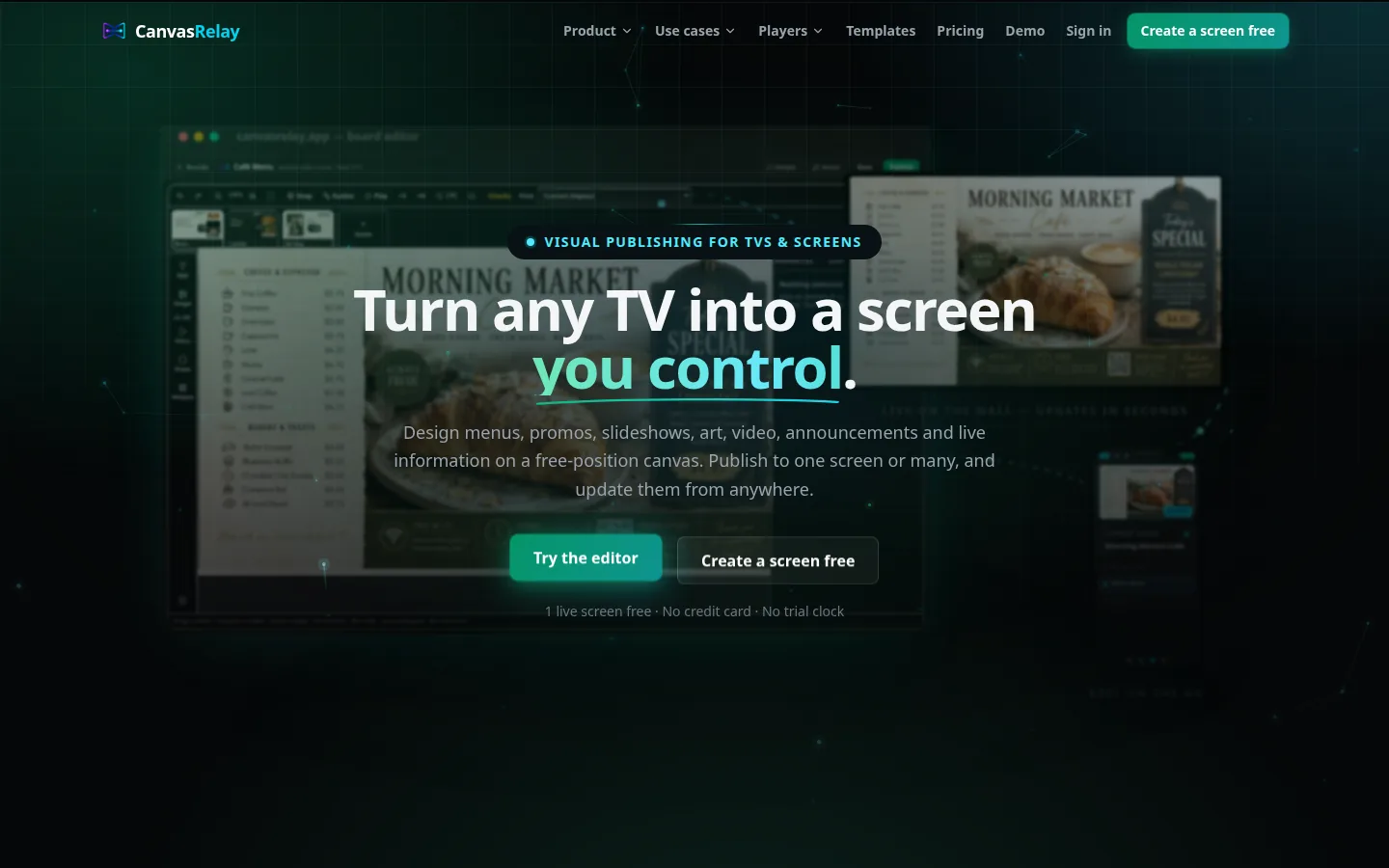
CanvasRelay — the signage platform this studio built and runs — puts any design on any TV.
- What it is
- A live, self-serve product at canvasrelay.app for designing, publishing, scheduling, and managing screens across web, Roku, and Android players.
- Who needs it
- Restaurants, retail, venues, and offices — self-serve through CanvasRelay, or local with Studio Sussex handling design, hardware, installation, and support.
- Engagement
- A player and content system we build; you run every screen from one place.
How it connectsChange a price once and every screen and channel should update itself.
- AutomationSoftware Layer
The follow-ups, reminders, and busywork that should never touch a human.
- What it is
- Event-driven workflows that move data and send the right message at the right moment.
- Who needs it
- Contractors chasing leads, clinics sending reminders, anyone re-typing data between apps.
- Engagement
- Mapped to your real process, built incrementally, measured in hours returned.
How it connectsWork that runs on its own still has to be watched — quietly.
- DashboardsOperations Layer
One honest screen for the numbers that actually run the business.
- What it is
- Live reporting that pulls from POS, site, and tools into the metrics you'll genuinely check.
- Who needs it
- Owners flying blind across three logins and a spreadsheet.
- Engagement
- Built on your real data sources, starting with the five numbers that matter most.
How it connectsA number is only as honest as the hardware that measured it.
- HardwarePhysical Layer
The screens, readers, and devices that make software physical.
- What it is
- Spec, source, and integrate proven hardware — kiosks, displays, readers — with your systems.
- Who needs it
- Venues and shops where the software has to leave the browser and live in the room.
- Engagement
- Consult-and-integrate: we pick hardware that lasts and never lock you in.
How it connectsOff-the-shelf ends exactly where your business gets interesting.
- Custom SoftwareSoftware Layer
When the tool you need doesn't exist yet, I build it.
- What it is
- Bespoke applications for the workflow that's uniquely yours — the part no SaaS ever covers.
- Who needs it
- Businesses whose real edge is a process they're still forced to run by hand.
- Engagement
- Scoped discovery first, then a real application — owned outright by you.
How it connectsThe software people touch is your brand, whether you designed it or not.
- BrandGrowth Layer
The identity that makes all of it feel like one deliberate company.
- What it is
- Name, mark, voice, and system — so every screen and sign reads as unmistakably yours.
- Who needs it
- Anyone whose touchpoints look like they came from five different vendors.
- Engagement
- An identity system and guidelines, applied across every system above.
How it connectsA brand they trust sends the next customer straight back to the top.
Real work. Live links.
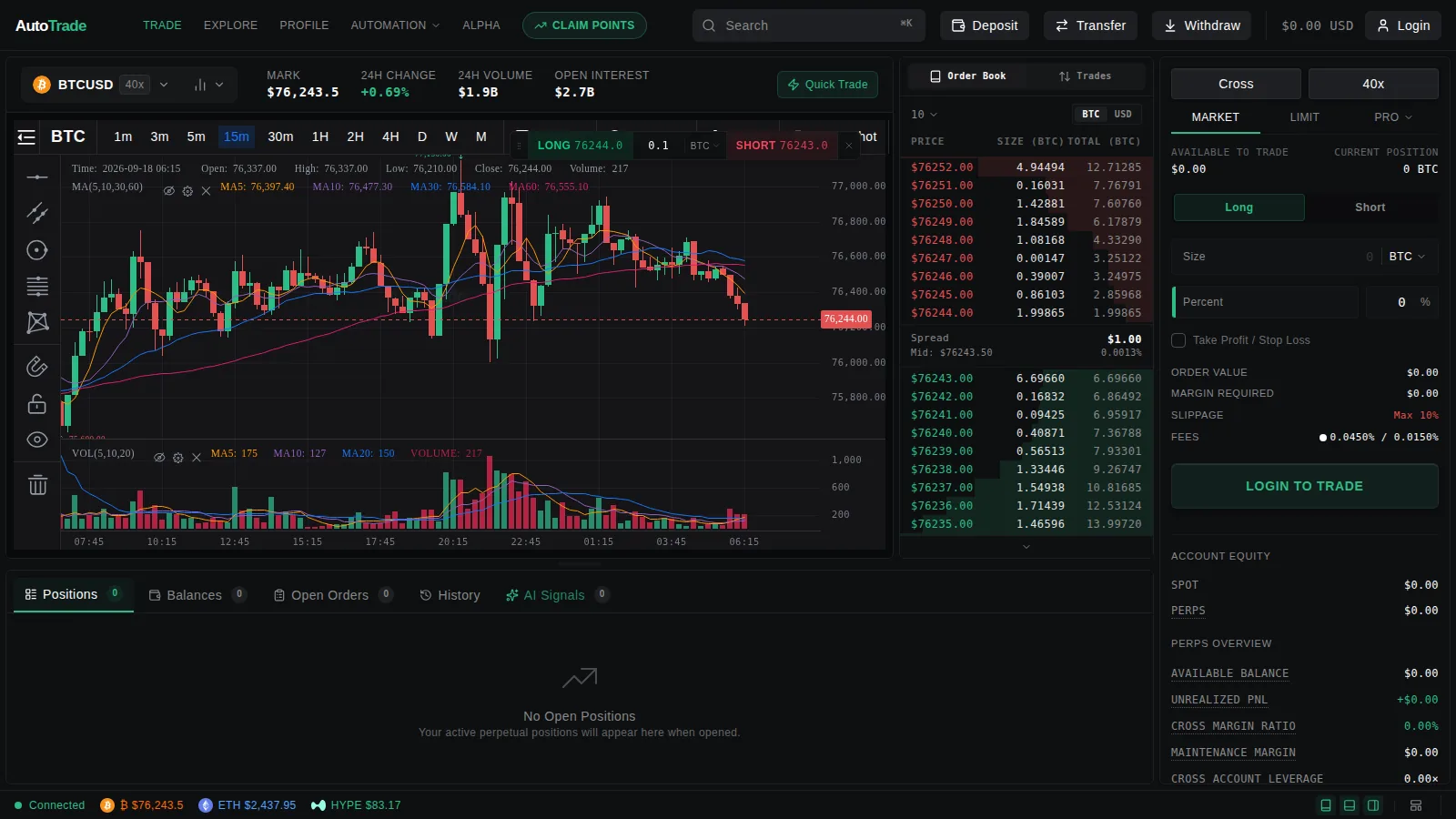
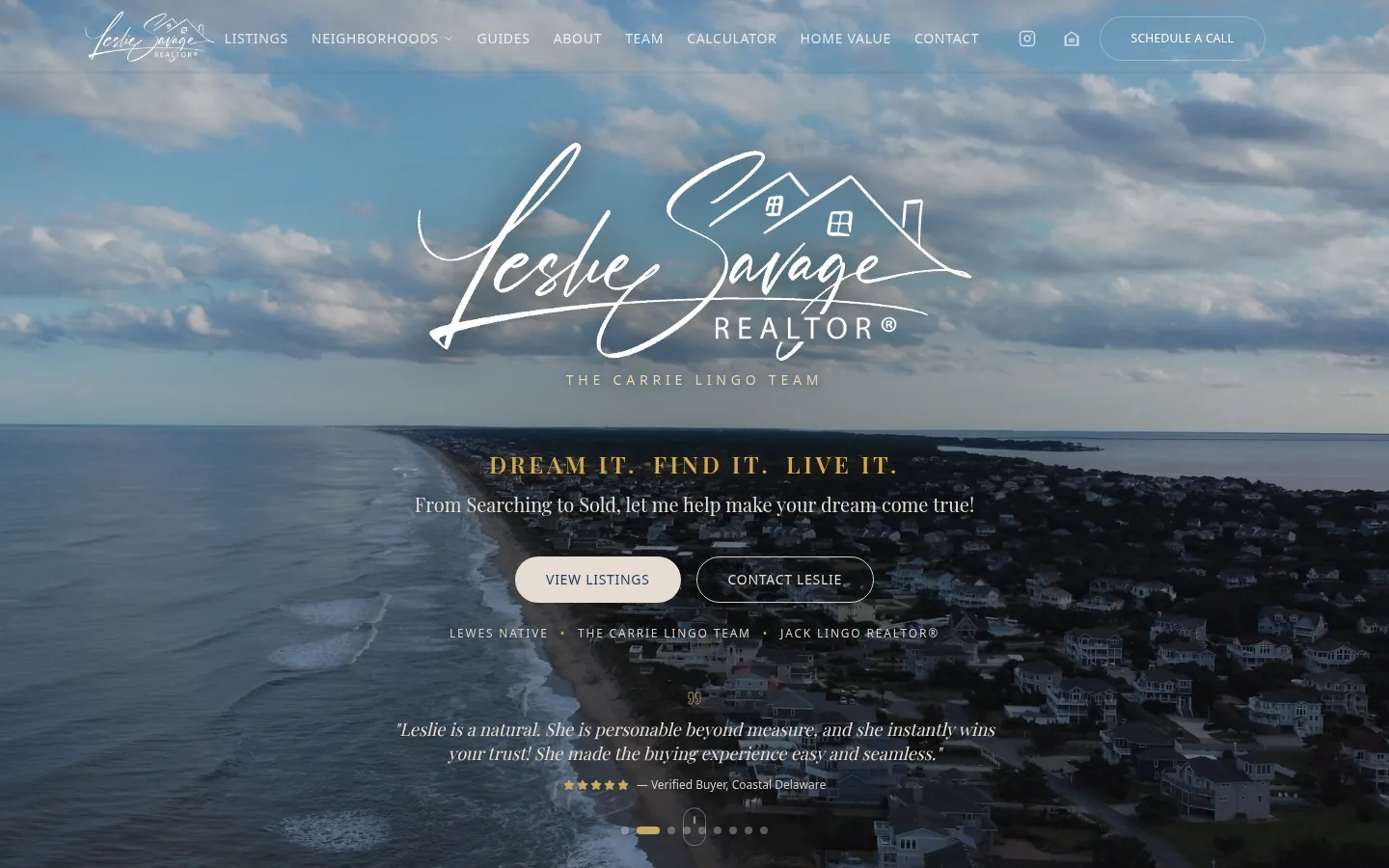
Shipped websites, real-estate platforms, and three SaaS products — each case study opens the hood on the problem, the trade-offs, and the systems that connect it all. Every live one links out.
The honest answers.
Do I have to switch POS?
No. Keep the POS you use. I connect to it where it allows a real adapter (Square, 7shifts) and deep-link where it doesn't (Toast, Shift4). Bring your own is the default, not the exception.
Who owns my website and domain?
You do — outright. The domain is registered in your name and the site is yours to keep. No hostage template platform, no rented builder you can't leave.
What happens when a menu TV dies at 6pm on a Friday?
You call one number and reach a person who knows your setup. Support and hardware are part of the offer, not a separate vendor you have to chase during the rush.
What does the monthly fee actually cover?
Hosting, maintenance, menu and signage management, the reporting dashboard, and support. You pay any POS or scheduling subscriptions directly to those vendors — I never mark them up or resell them.
Start with the problem that's loudest.
Tell me what's breaking and I'll show you the system that fixes it.